
Operations
How to eliminate double bookings for good
Jul 20, 2026 · 6 min read

Two guests, one room, same night. Every operator has lived it: the awkward phone call, the upgrade you did not want to give, the review you could see coming. Almost everyone blames bad luck, a busy weekend or a new team member. The truth is simpler and more useful: double bookings are a timing problem. Somewhere between a booking arriving and your other channels finding out, there is a gap, and the gap is where the second booking slips in.
This article explains where the gap comes from, why good habits alone never close it, and what a setup that actually eliminates double bookings looks like for hotels, vacation rentals and hostels.
Why double bookings happen
When your property is listed on several channels, each channel keeps its own copy of your availability. Booking.com has one, Airbnb has one, your website has one, and the walk-in you just accepted lives only in your head until someone writes it down. If a booking lands on one channel and the others find out minutes or hours later, that window is open territory. Whoever books inside it creates the conflict.
Manual updates make the window wider. Every extranet login, every spreadsheet edit, every "I'll update it tonight" is time when two channels disagree about the same room. Even with a tool in place, a sync that runs every fifteen or thirty minutes leaves a window on every single booking. Most of the time nobody books inside it. On a sold-out weekend, someone does.
The usual hiding places
- Last room on a high-demand date, sold on two channels within minutes.
- A cancellation reopened on one channel but not the others, then booked twice.
- A blocked date for maintenance that was never pushed to a channel.
- A direct booking or phone reservation written down after the fact.
- A rate plan mapped to the wrong room type, so the channel sells inventory you do not have.
Why discipline does not fix double bookings
Most properties respond to a double booking with a new rule: check the extranets twice a day, keep one room unsold as a buffer, have only one person allowed to touch the calendar. These rules reduce the frequency and they cost you every day.
The buffer is the expensive one. A room held back "just in case" is a room you do not sell on the busiest nights of the year, which is precisely when it would earn the most. The double check costs staff time that never ends. And the single-owner rule breaks the moment that person is on holiday.
No amount of discipline closes the gap, because the gap is built into the workflow. As long as availability exists in more than one place, the copies will drift, and someone will book in the drift.
The fix is structural: one calendar, real-time sync
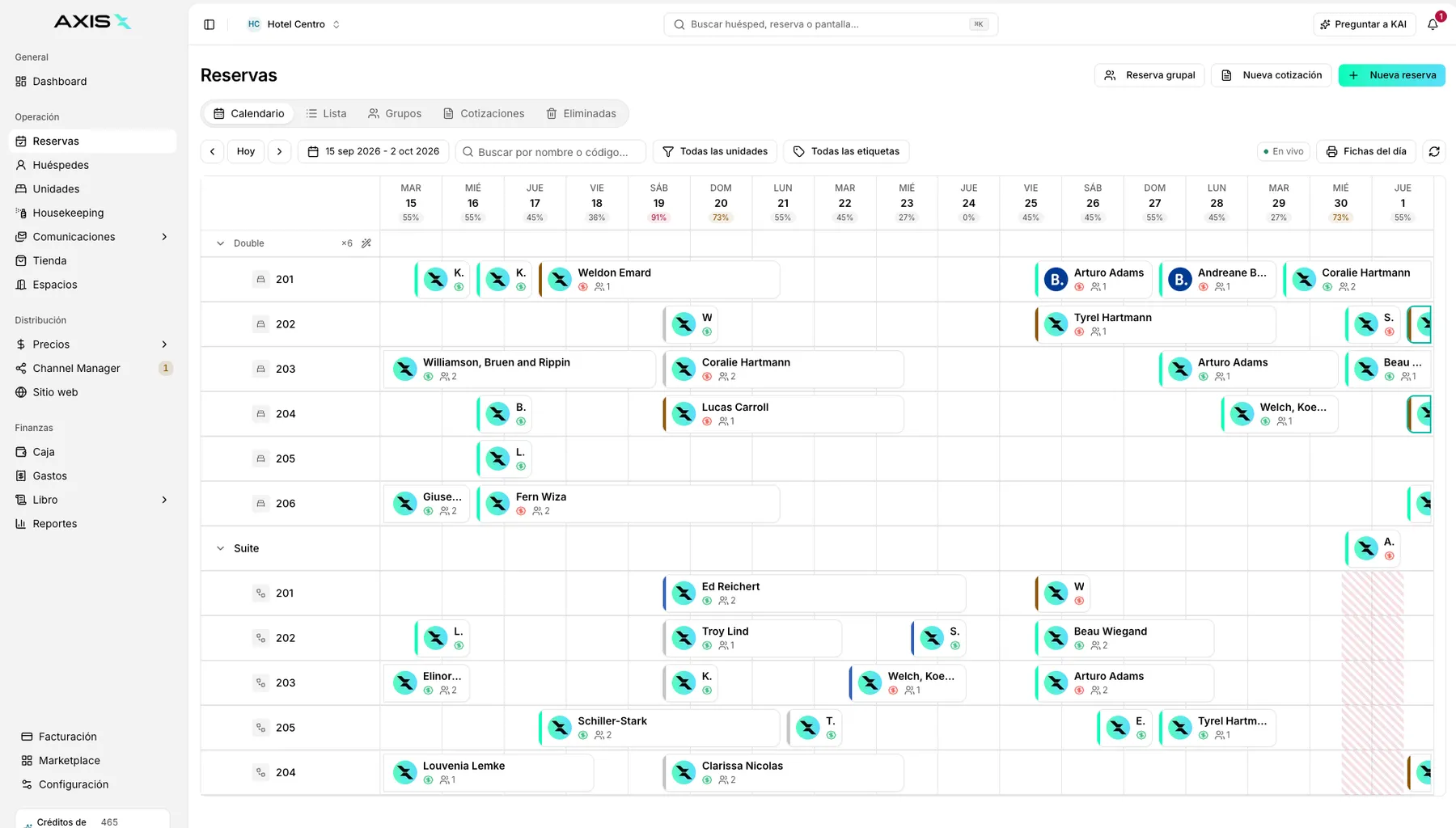
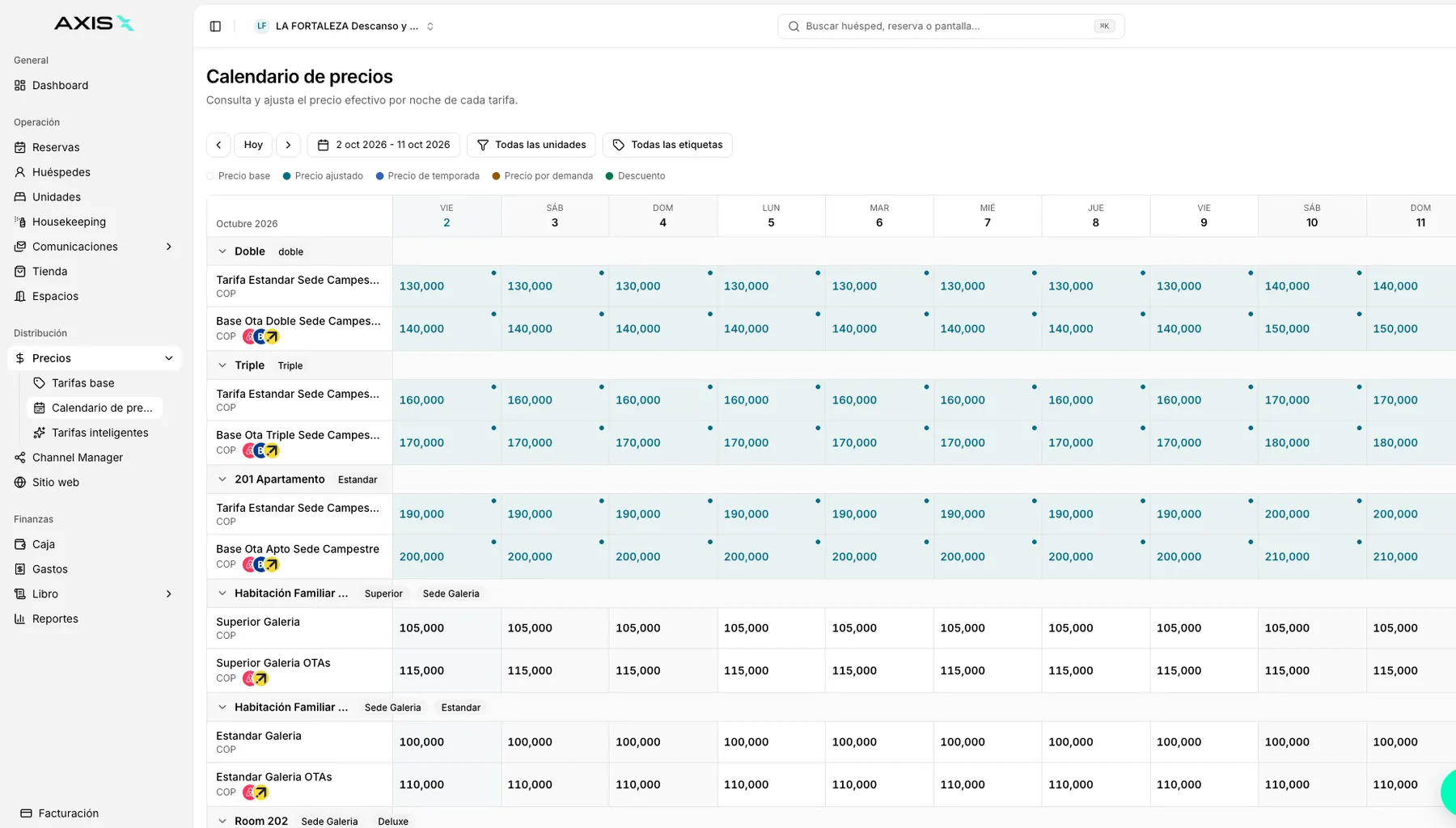
The fix is a single calendar that every channel reads from and writes to. When a booking arrives anywhere, availability closes everywhere, in seconds. That is what a real-time channel manager does when it is part of a central system:
- One calendar holds the truth for every unit, room type and bed.
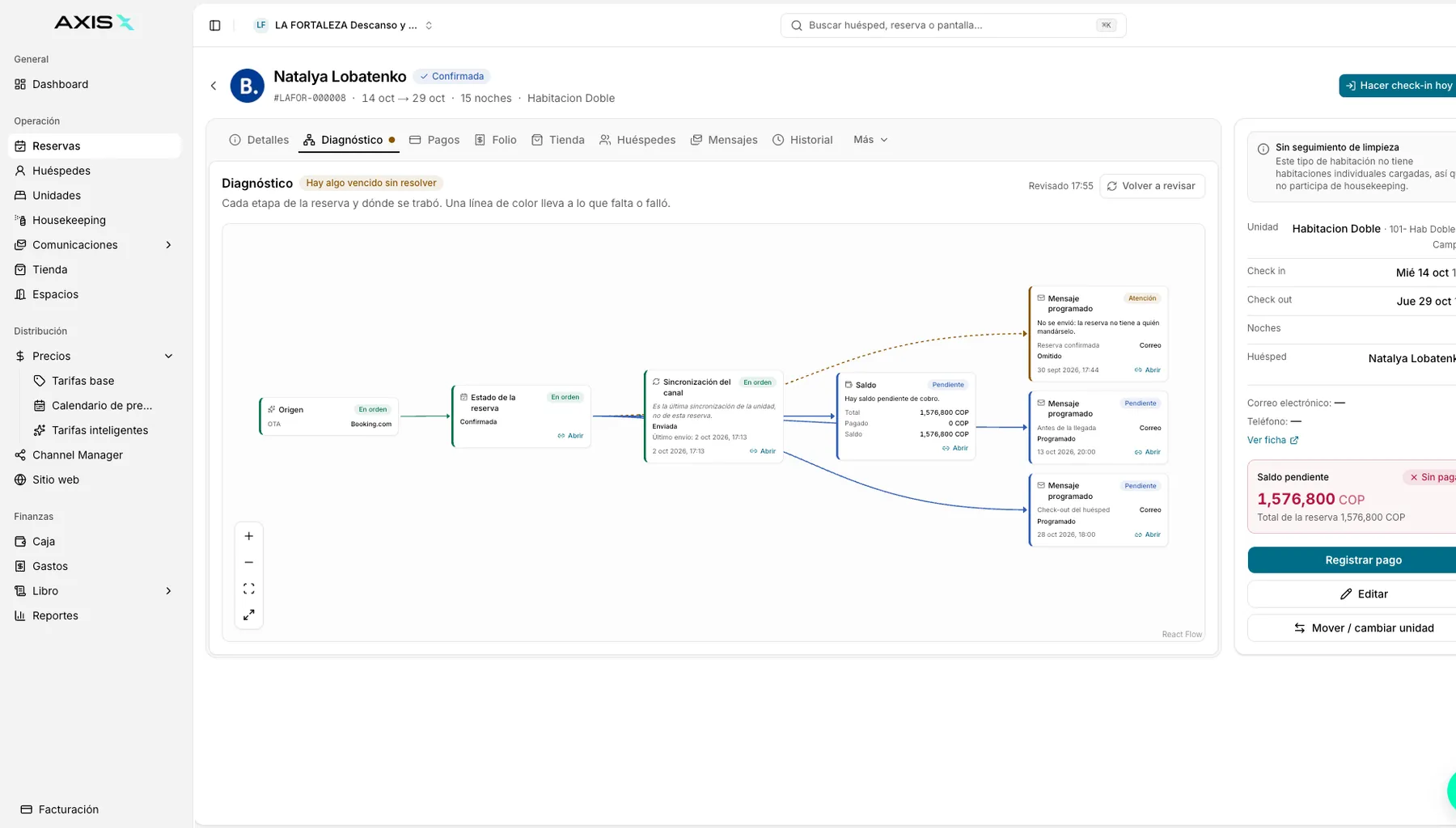
- A new booking instantly closes those dates on every other channel.
- A cancellation reopens the dates everywhere at the same moment.
- Rate and restriction changes propagate the same way, at the same speed.
- Direct bookings, phone reservations and walk-ins go into the same calendar as OTA bookings, so there is no second source of truth.
What "real time" has to mean
Ask for seconds. A sync that runs on a schedule, even a short one, still leaves a window on every booking. The channel should push the reservation to your system the moment it happens, and your system should push the closure back to every other channel immediately. If a vendor cannot tell you the typical delay in seconds, assume it is longer than you would like.
Mapping matters as much as speed
A fast sync of the wrong inventory still produces double bookings. Every room type, rate plan and unit has to be mapped correctly to every channel, and the mapping has to be checked whenever you add a unit, rename a category or open a new channel. Properties that sell the same space in different shapes, a whole apartment on one platform and its rooms separately on another, need a system that understands the relationship and closes the parent when a child sells.
What changes in practice
Operators who move from manual updates to real-time sync describe the same pattern: the fear disappears first, then the workload. Nobody checks extranets at midnight. Nobody keeps a "just in case" buffer of unsold rooms. Inventory that used to sit blocked as insurance goes back on sale, usually on the dates where it matters most.
The team also changes how it works. Instead of one person guarding the calendar, anyone can take a booking, because the system enforces the truth rather than a habit. Cancellations become opportunities instead of chores, because the reopened dates are visible to every channel at once.
A short checklist to verify your setup
- Take a test booking on one channel and time how long until the other channels show the date as closed.
- Cancel it and time the reopening.
- Block a date for maintenance in your system and confirm every channel reflects it.
- Add a phone reservation and confirm it closes the OTAs.
- Review the room-type mapping for every channel once a quarter.
If any step takes more than a minute, or requires you to log in somewhere else, that is your remaining window.
Frequently asked questions
Can double bookings still happen with a channel manager?
Rarely, and almost always for one of two reasons: a mapping error, or a booking recorded outside the system. Keep the mapping reviewed and route every reservation, including walk-ins, through the same calendar, and the risk is close to zero.
What should I do when a double booking does happen?
Act early and honestly. Contact the guest who booked second as soon as you see the conflict, offer a comparable or better alternative, and cover any difference. Then trace where the gap was and fix the process, not the person.
Do I need a buffer room if I sync in real time?
No. The buffer exists to absorb a delay, and real-time sync removes the delay. Put the room back on sale and let the calendar do the job the buffer was doing.
 Direct
 Booking.com
 Airbnb
 Expedia