
Technology
AI in hospitality: what it actually does today
Jul 28, 2026 · 6 min read

Ask ten operators what AI in hospitality means and you will get ten answers, most of them shaped by a sales deck. Strip the deck away and the picture is simpler. Today, AI in hospitality does a handful of specific jobs well, does a few others badly, and does most of your work not at all. Knowing which is which saves you money and a lot of frustration.
This guide walks through what these tools actually do, where they still fall short, how to judge a feature before you pay for it, and where a small property should start.
What AI in hospitality actually does today
The useful applications share a pattern: a repetitive task, plenty of examples to learn from, and a clear right answer most of the time.
Guest messaging and translation
This is the most mature use. A guest writes at 11 pm asking about parking, late check-in or whether the pool is heated. An assistant drafts a reply from your house rules and property details, in the guest's language, and either sends it or waits for a team member to approve. Translation on its own is already good enough for everyday questions, which matters when your guests arrive from several countries and your night team speaks one language.
Pricing suggestions
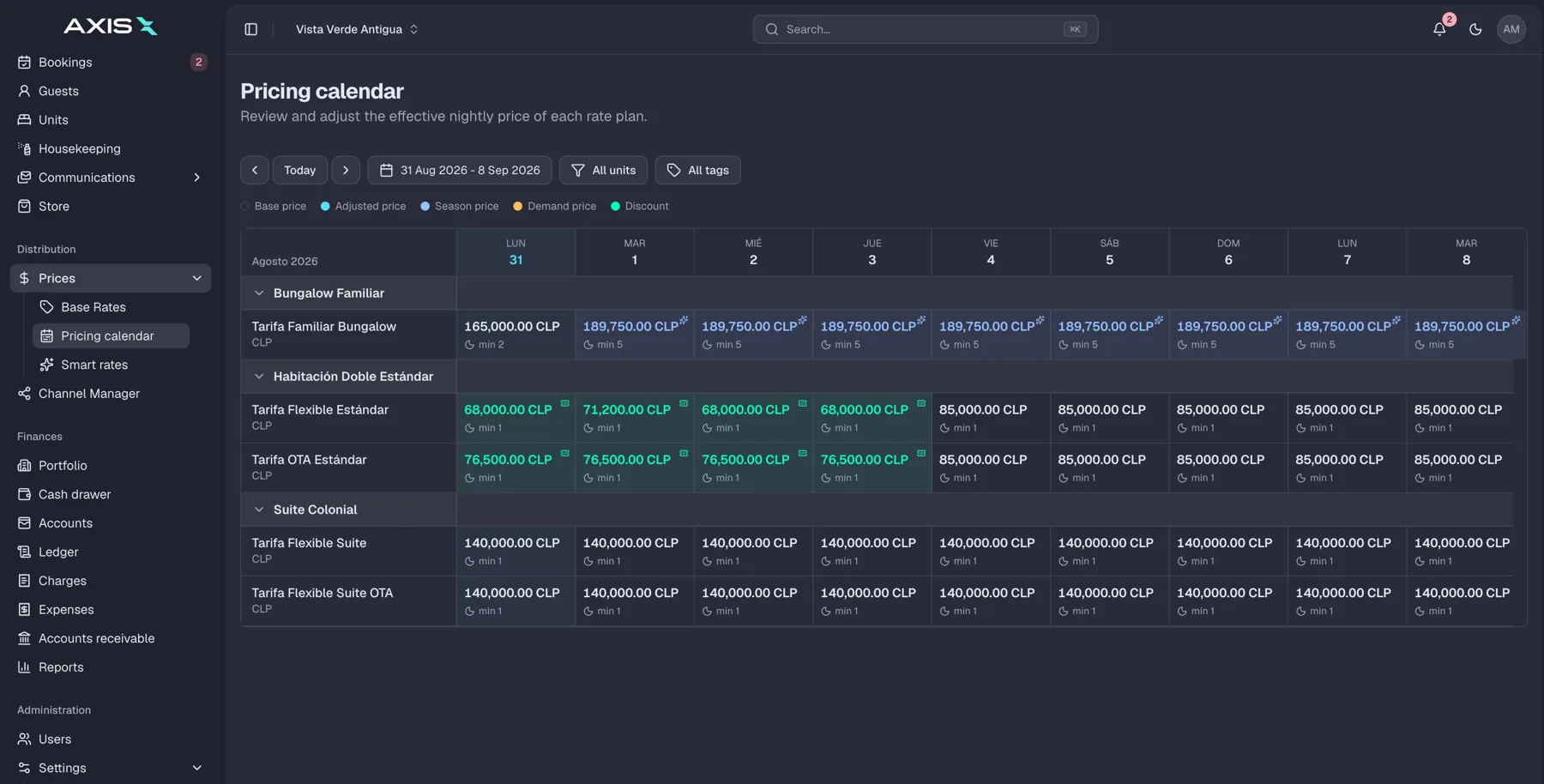
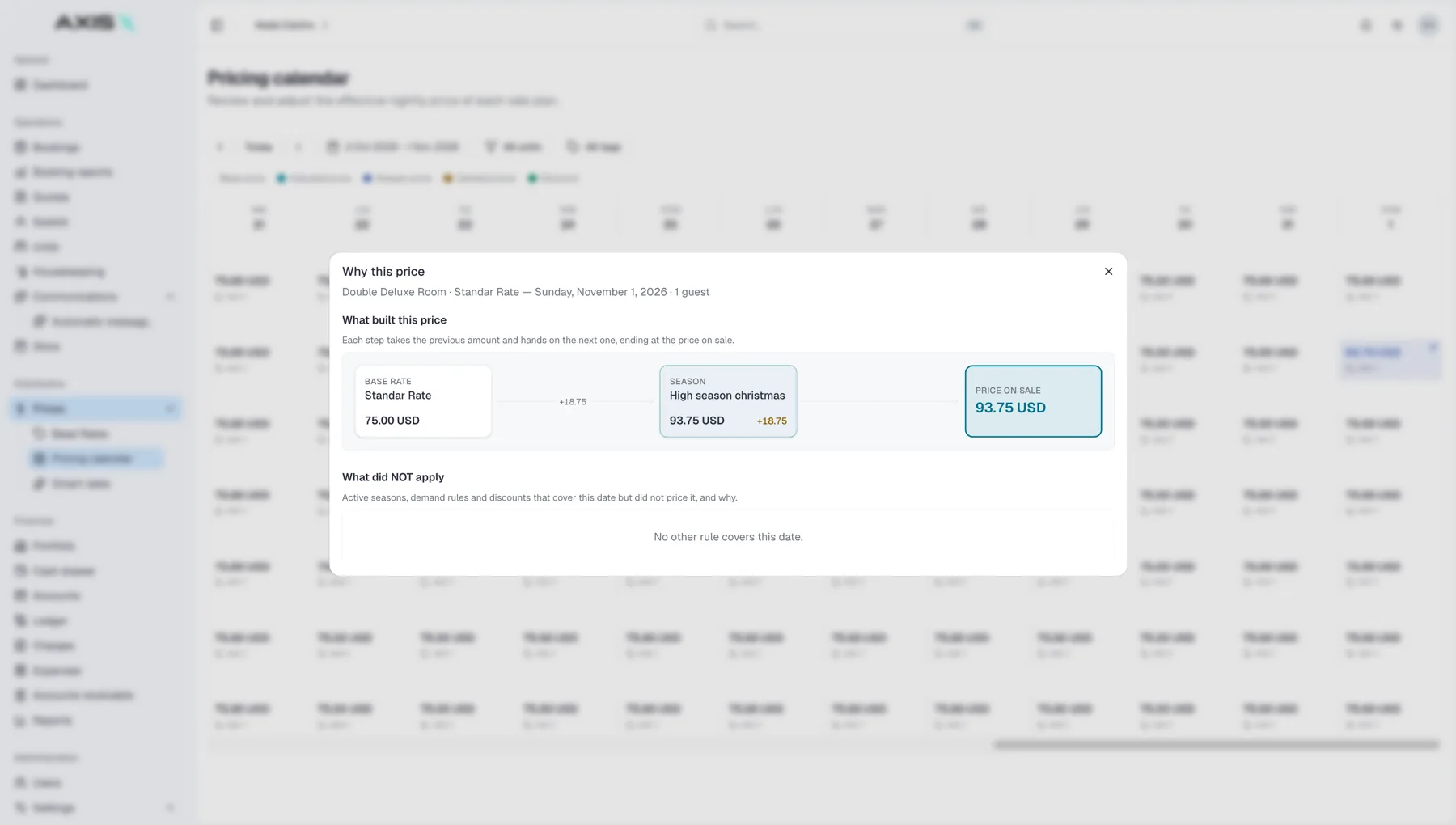
Pricing tools look at your own booking pace, your calendar, local demand signals and the day of the week, then suggest a rate. The word to keep is suggest. The better tools explain why they recommend a change and let you set floors, ceilings and rules for events you know about and the model does not.
Task routing for housekeeping and maintenance
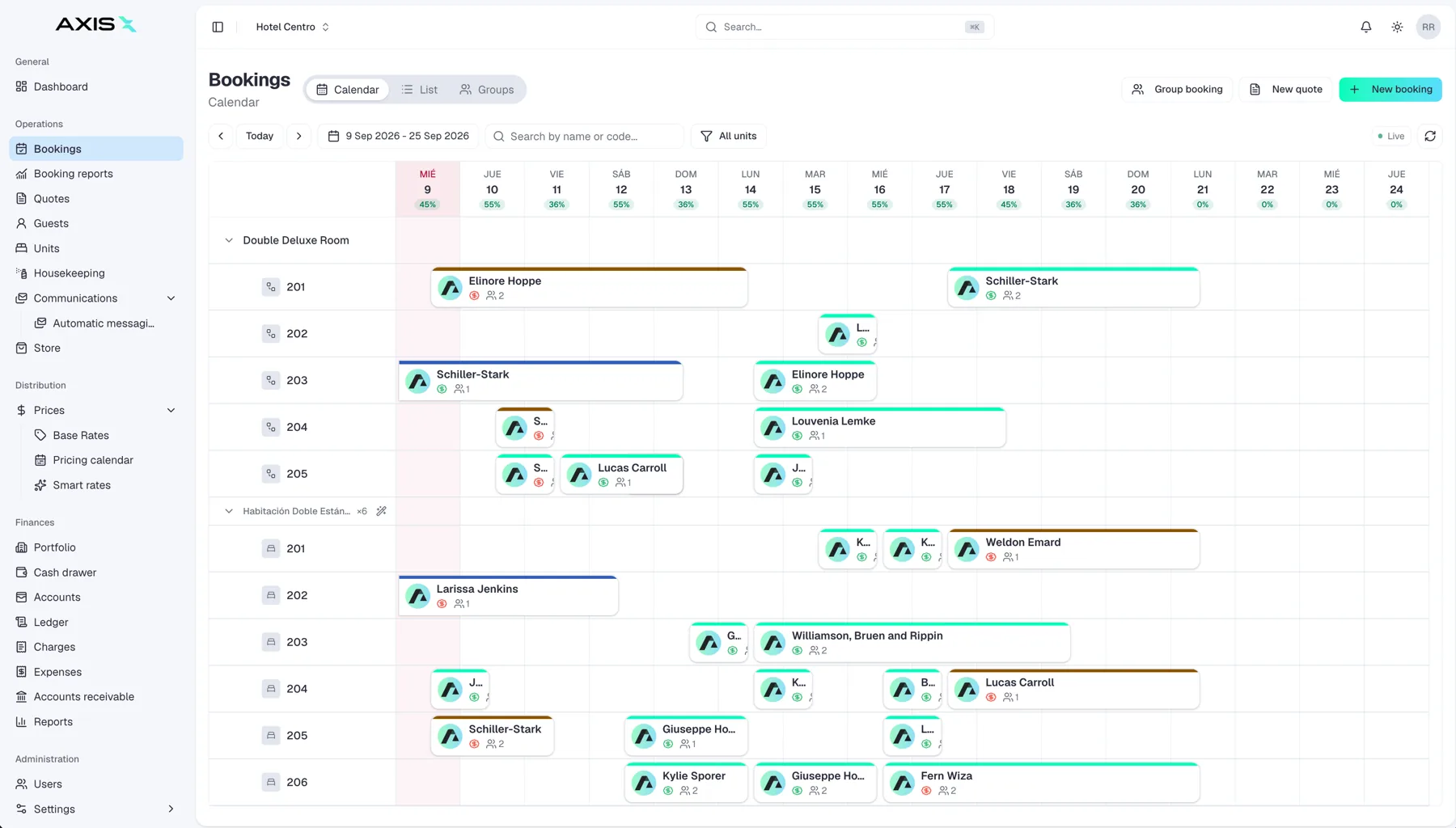
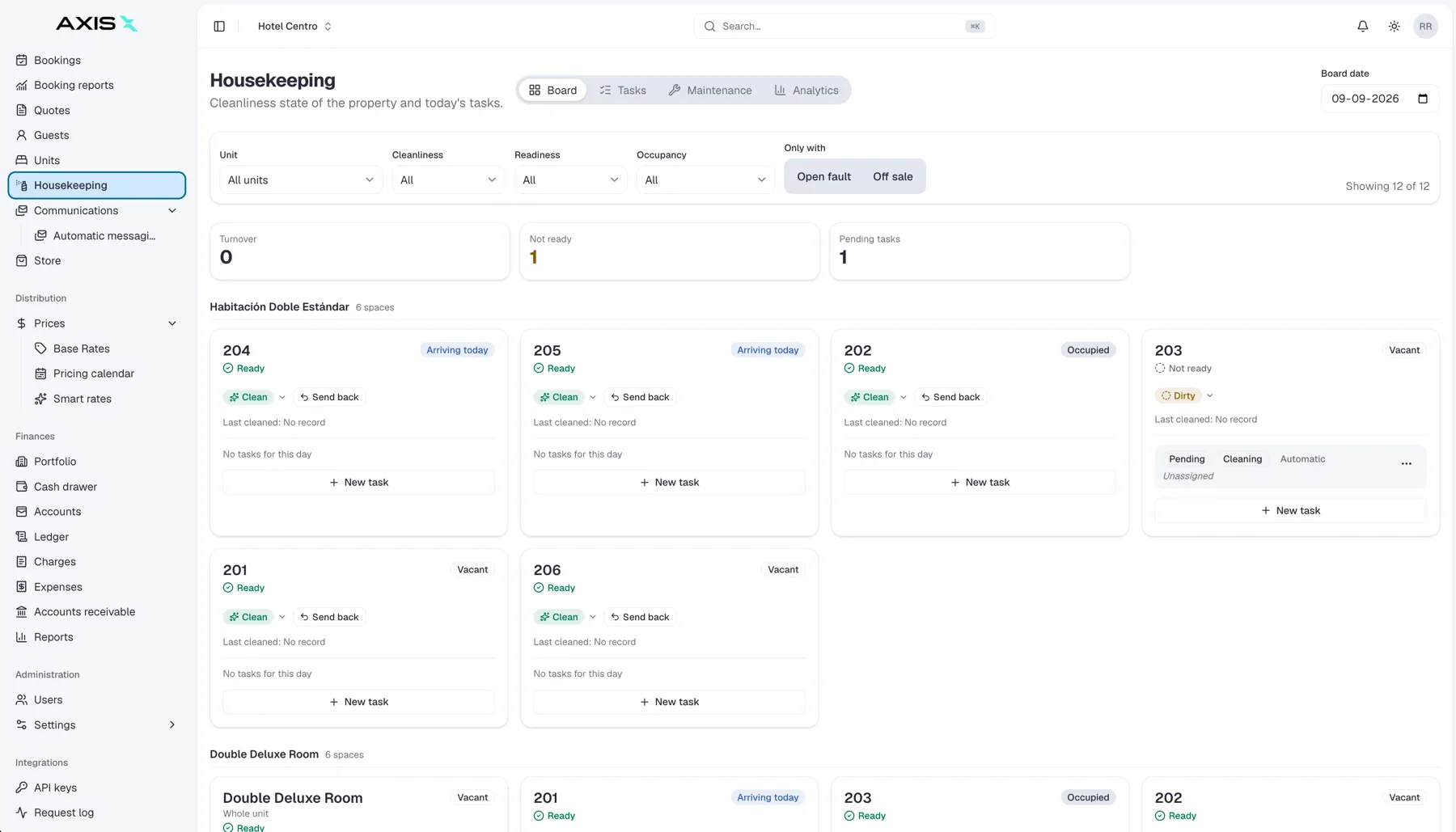
When a guest reports a broken lamp in a chat, or a checkout is confirmed in the system, something has to happen next. AI can read the message, classify it as maintenance or housekeeping, attach it to the right unit and put it on the right person's list. This is unglamorous and it is one of the highest-value uses, because it removes the "who saw that message" gap.
Forecasting
Occupancy and demand forecasts help you plan staffing, order supplies and decide when to open or close channels. The forecast is only as good as the data behind it, so properties with a couple of clean years of history get more from it than a property that opened last spring.
Review analysis
Reading two hundred reviews to find the recurring complaint is slow. Tools now group reviews by theme, spot the shift from "great breakfast" to "breakfast ran out", and draft responses in your tone. You still decide what to fix and what to say.
What it does not do
Being clear here protects you from disappointment.
- It does not know your property. Everything it says about check-in times, parking or pets comes from what you gave it. Thin inputs produce confident, wrong answers.
- It does not take responsibility. If a suggested rate is wrong or a reply promises a free upgrade, the guest holds you to it.
- It does not fix broken processes. If housekeeping updates a paper sheet at noon, no model can tell a guest at 10 am that the room is ready.
- It does not replace judgment on sensitive moments: a complaint about safety, a medical situation, a dispute over a charge. These need a person, and quickly.
The honest summary: AI is very good at the first draft and the first sort. Humans remain in charge of the final word.
How to evaluate an AI feature
Before you switch anything on, run it through three questions.
What data does it need, and do you have it?
A pricing tool with no access to your reservations is guessing. A messaging assistant with no house rules is improvising. Ask exactly which data the feature reads, where that data lives today, and whether it stays current without someone re-typing it. Features that live inside the same system as your bookings, guests and units typically have an easier time here, because the data is already in one place.
Where does a human approve?
Look for a clear approval step: a draft you can edit before it sends, a rate you confirm before it publishes, a task you can reassign. Fully automatic modes are fine later, once you trust the output. Start with review on.
What outcome will you measure?
Pick one number per feature and a date to check it. Response time to guest messages. Share of maintenance issues logged the same day. Revenue per available room compared with the same weeks last year. If a feature cannot be tied to a number you already track, it is a demo, not a tool.
Where to start
Start small, start where the pain is loudest, and start with review on.
- If your team is drowning in repeated questions, begin with messaging and translation.
- If you set rates once a season and forget them, begin with pricing suggestions and a weekly review.
- If issues get lost between chat, phone and WhatsApp, begin with task routing.
Give each feature a month, keep the approval step, and compare your chosen number before and after. Keep what moves the number. Turn off what does not. Central systems such as Axis Pro bundle these features around one set of booking and guest data, which shortens the setup, but the discipline of measuring is the same whatever you use.
Frequently asked questions
Will AI replace my front desk?
Not in any near future you should plan for. It takes over the repetitive first draft of messages and the sorting of tasks, which frees people for arrivals, problems and upsells. Most properties end up with the same team doing better work rather than a smaller team.
Is AI pricing safe for a small property?
It is safe when you keep floors, ceilings and an approval step. The risk is not the model, it is switching to full automatic before you understand its habits. Review suggestions weekly for a season before you let it publish alone.
How much data do I need?
For messaging, a complete set of house rules and property facts is enough to begin. For pricing and forecasting, a year of clean reservation history helps a great deal and two years is better. Fragmented data across spreadsheets is the most common reason a feature underperforms.



 Direct
 Booking.com
 Airbnb
 Expedia