
01
Cloud-native, nothing to install

One vendor, clean APIs, serious security, nothing to install.
Cloud-native, nothing to install
Role-based access and audit logs
Open API for your integrations
Hotel IT is usually five vendors and a spreadsheet of logins. Here is what changes with one AI central system.
Before
With Axis Pro

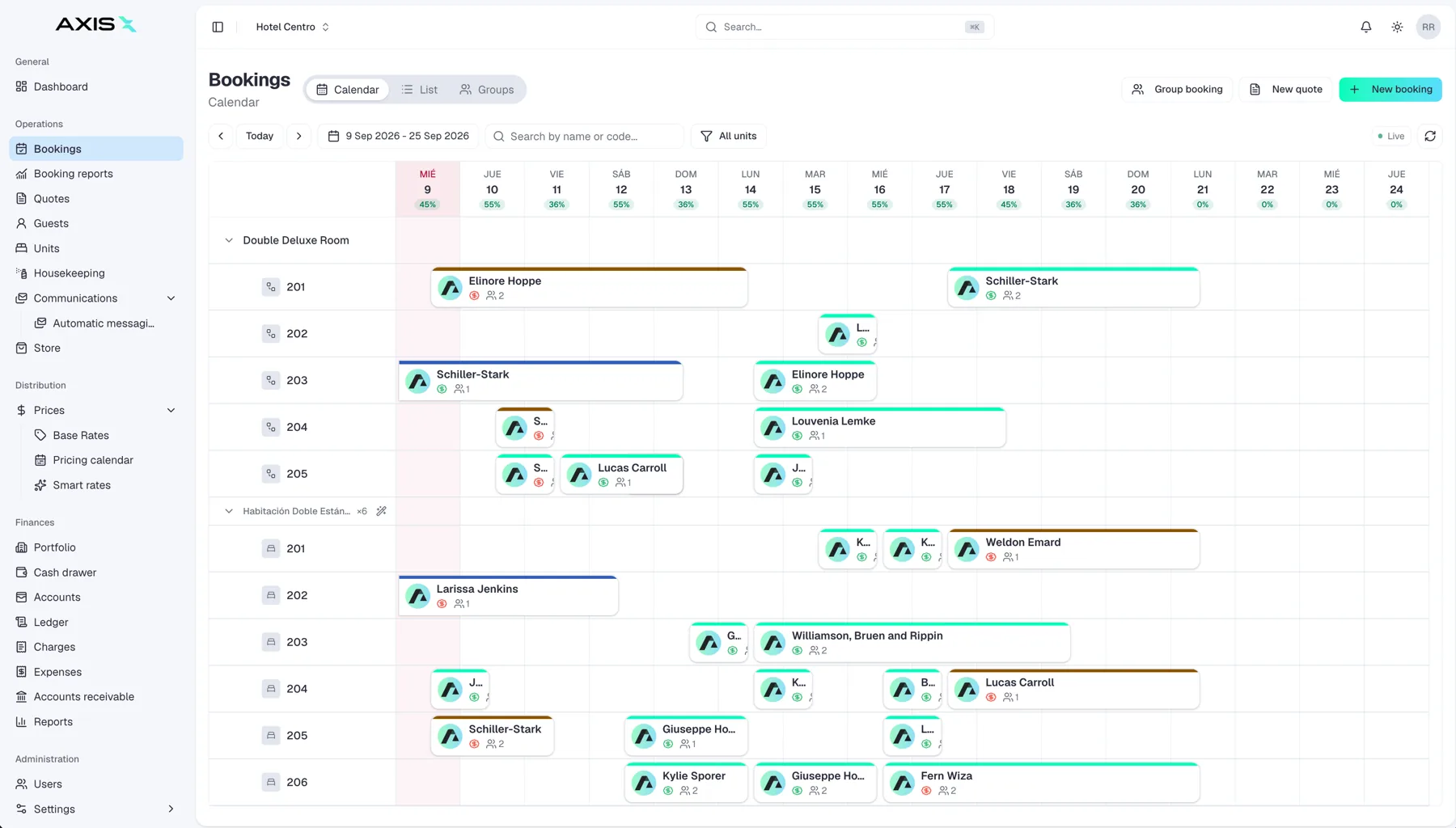
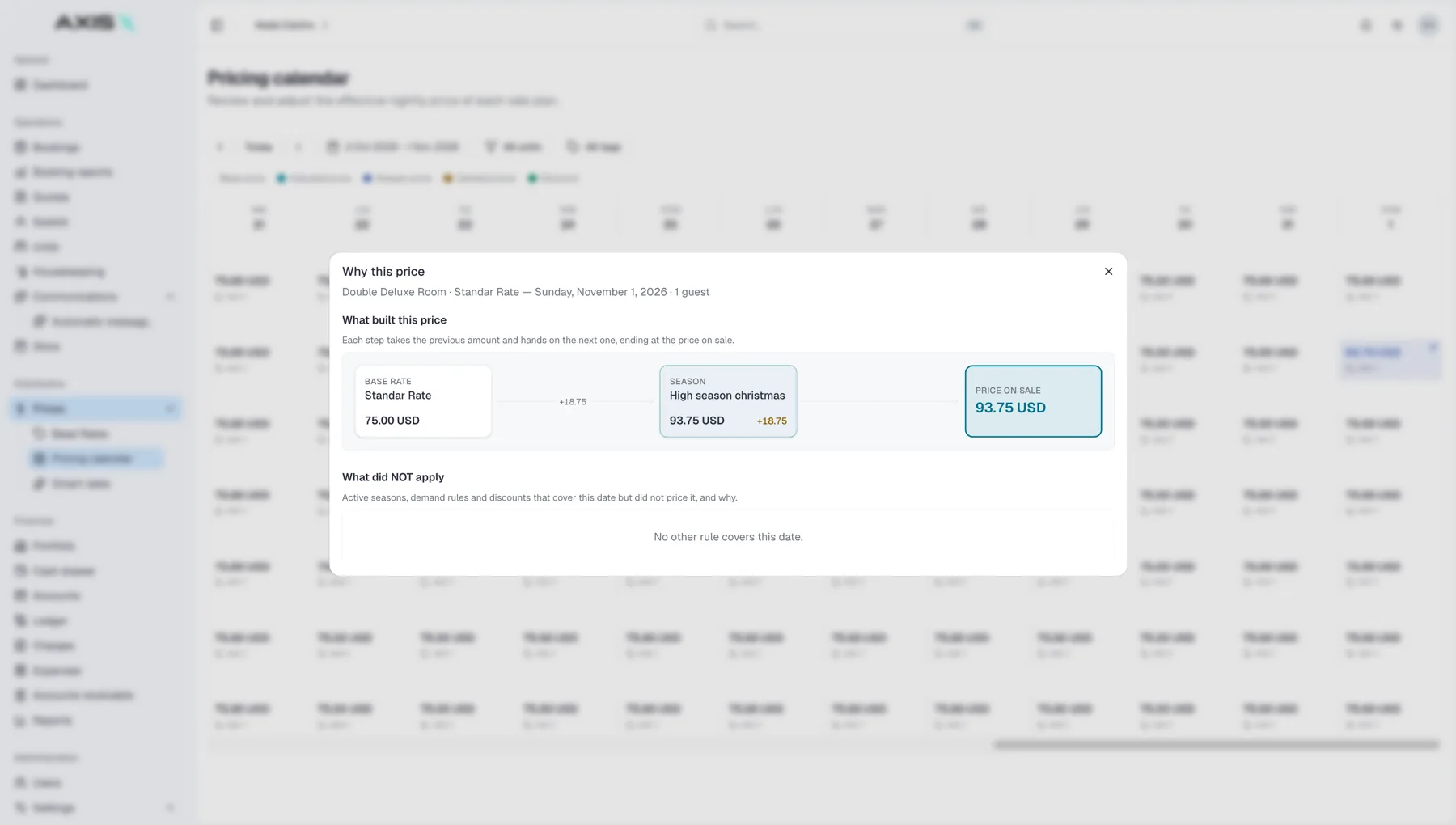
Axis Pro runs in the browser on any device. Updates ship without downtime, data is encrypted in transit and at rest, and every property group runs isolated from every other.

Reservations, guests, units and rates are available through a documented API with API keys per integration and a request log, so your custom tools and partners plug in cleanly.
Open one to see where the answer now lives.
Roles and permissions are set per user and per property, and the audit log shows who changed what and when.
Users & settingsData is encrypted in transit and at rest and each property group runs in an isolated tenant.
SecurityThe open API exposes reservations, guests, units and rates, with keys per integration and a request log.
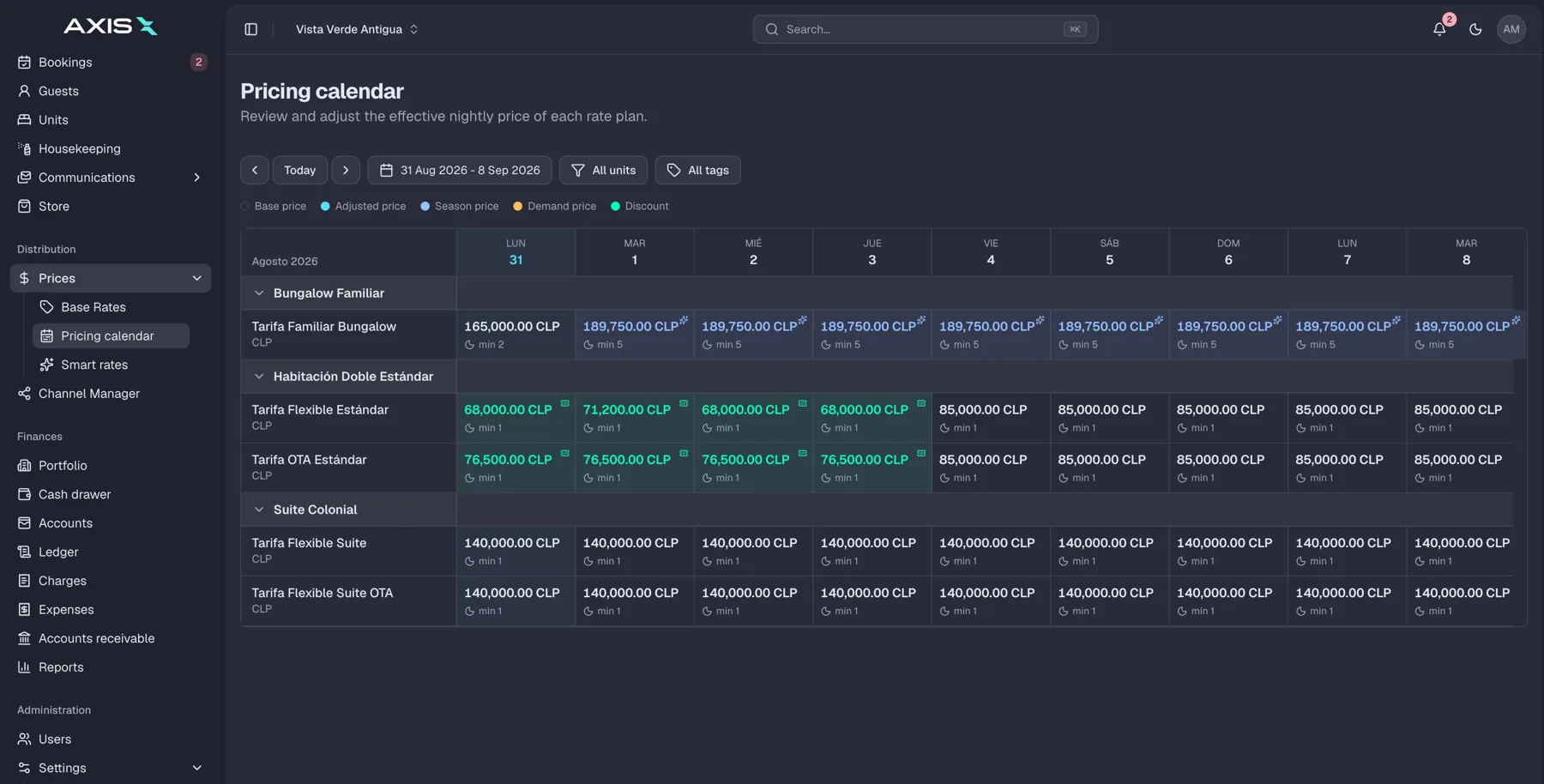
Open APIThe channel sync shows the state of every connection and retries automatically; the calendar stays the source of truth.
Channel ManagerClone a property's setup, import its data and connect channels; no servers, no installs.
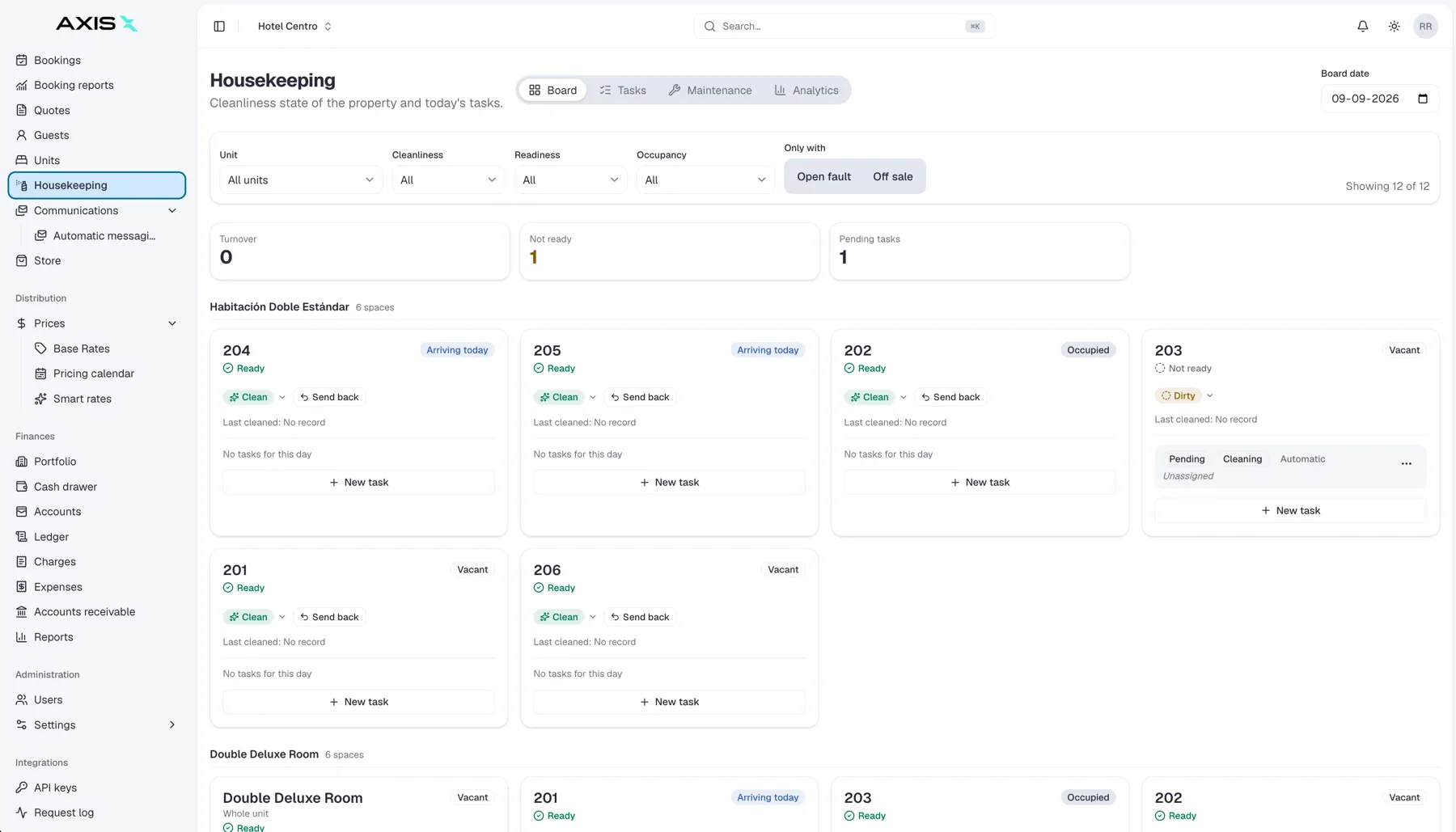
SetupOne platform running the whole operation: your property, your payments, your AI staff and every space you rent.
Whatever you run, the AI central system adapts to your operation instead of forcing you into someone else's. Tell us about your business and see it set up your way.
 Direct
 Booking.com
 Airbnb
 Expedia